About Paint Craft

Paint Craft is a free online painting tool that converts photos into numbered paint-by-numbers canvases. It was built to make the joy of painting accessible to everyone, regardless of artistic experience.

What Paint Craft Does

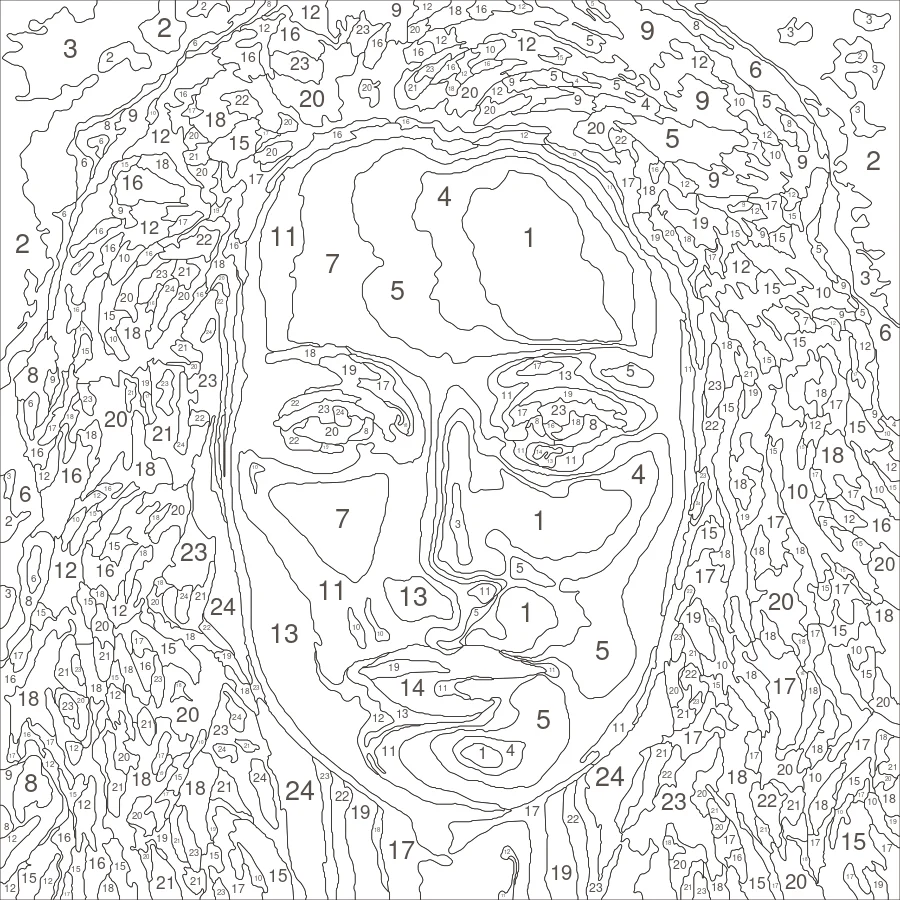
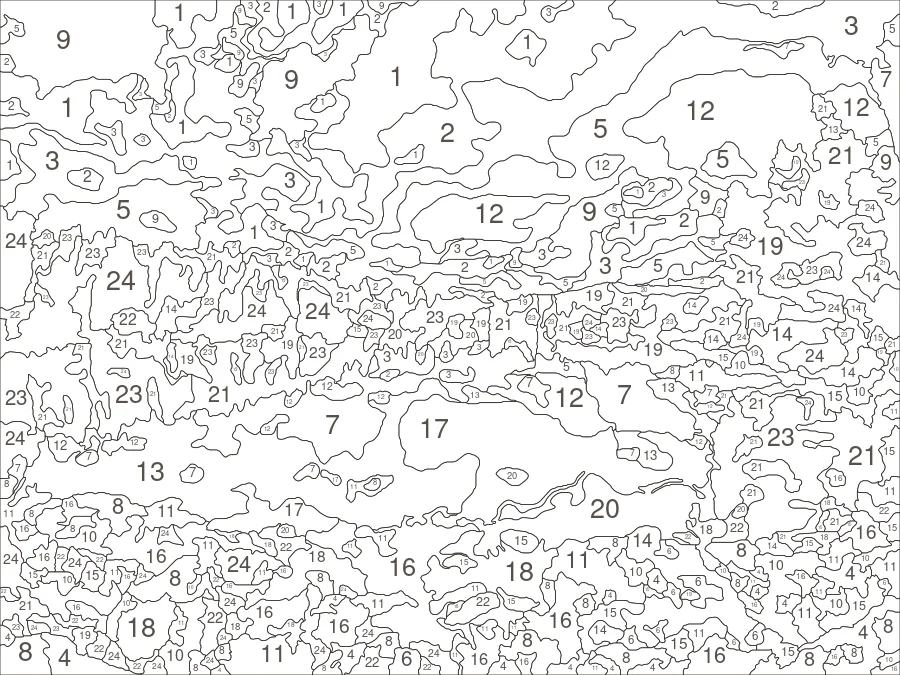
Upload a photo and the app converts it into a clean, numbered canvas using colour quantization, region detection, and vector tracing — in your browser for Easy, or on our servers for Masterpiece. You can paint the canvas interactively with a digital brush, or export it as a print-ready PDF, SVG, or PNG.

Runs in Your Browser

Easy photo processing happens in your browser, and Easy projects remain in browser storage. Masterpiece is prepared on our servers; its private files and order history are available through your account.

Free to Paint Online

Create a canvas with 10–50 colours and paint online for free, with no signup needed. Explore your own style, take your time, and return to your saved painting on the same device. It's an independently built project made for everyday creativity. Need help? Visit our support page.

Built Independently

Paint Craft is a solo project built out of a love for creative tools and accessible design. It uses real image-processing algorithms (not AI generation) to produce faithful, paintable canvases from your photos. The artwork samples shown on this site were created using the same engine available to you.
Before & After

From Sketch to Masterpiece

Every outline holds a little magic. Choose your colors, unleash your imagination, and bring every detail to life.

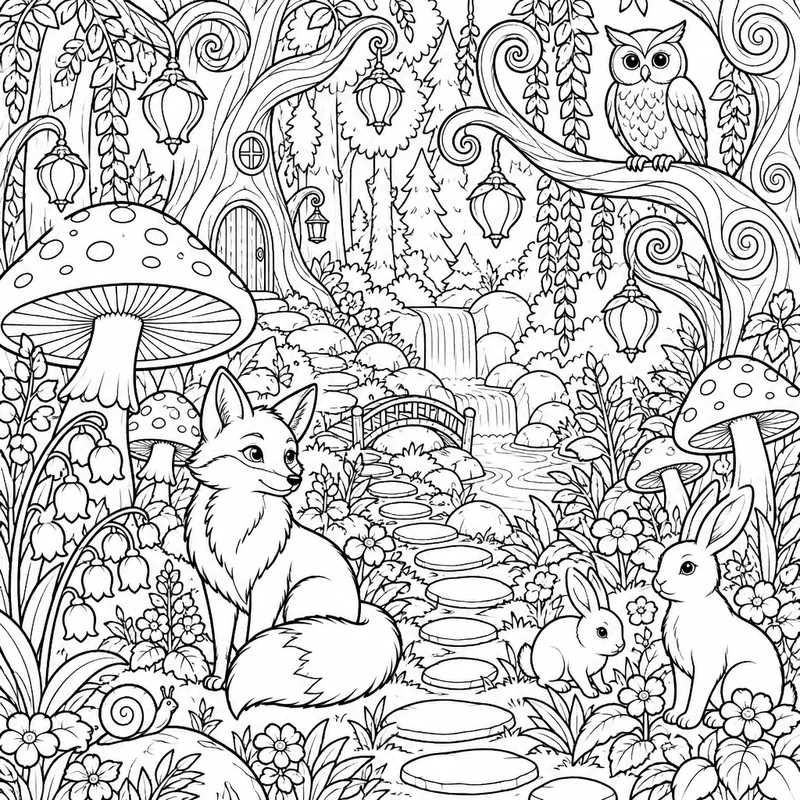
Enchanted Forest — line art outline
BeforeTap to reveal colors

Enchanted Forest

Original illustration

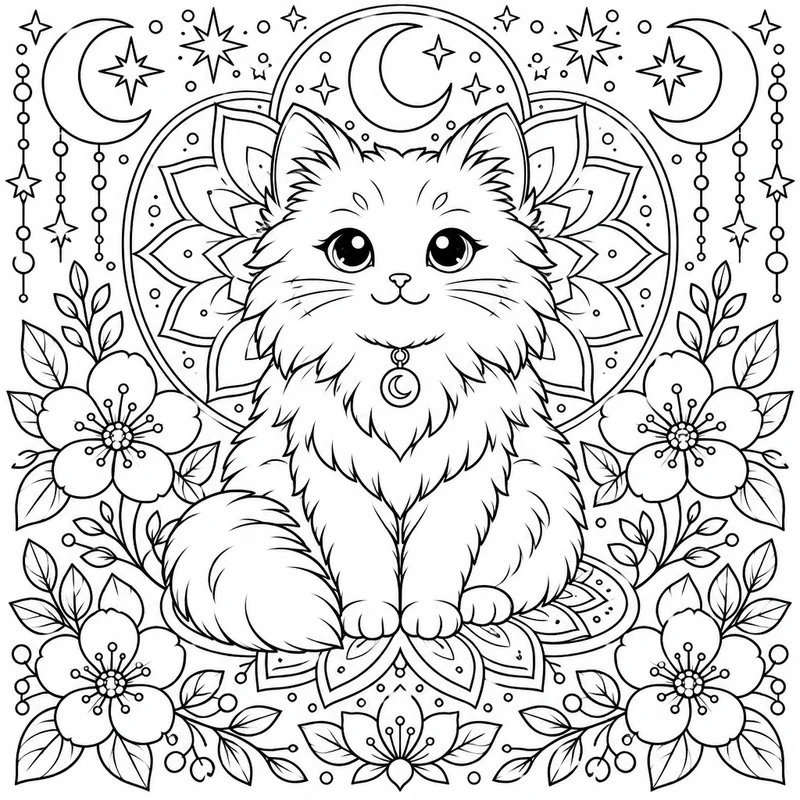
Dreamy Cat — line art outline
BeforeTap to reveal colors

Dreamy Cat

Original illustration

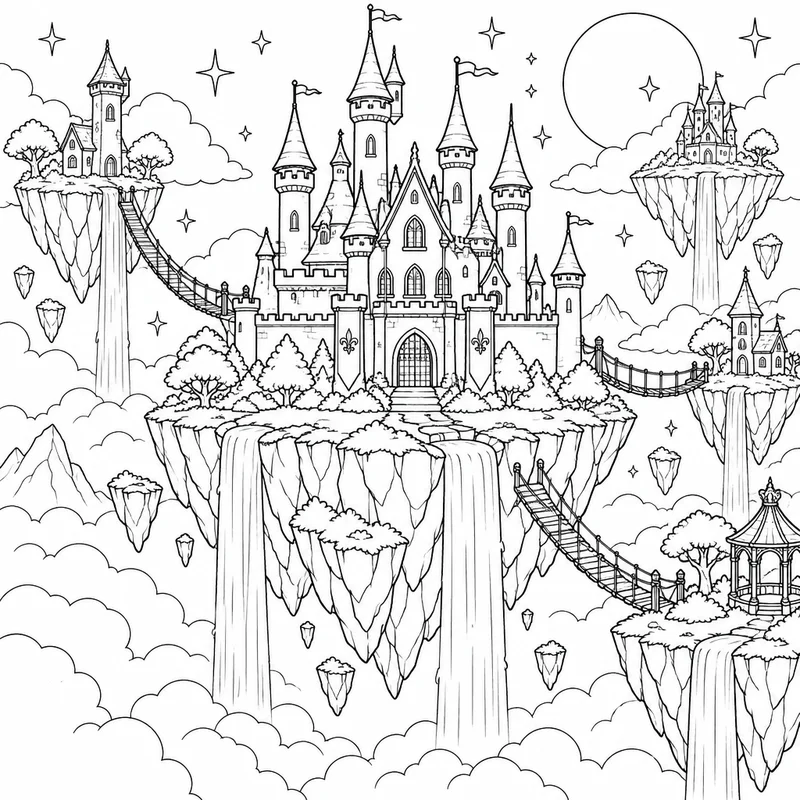
Fantasy Castle — line art outline
BeforeTap to reveal colors

Fantasy Castle

Original illustration

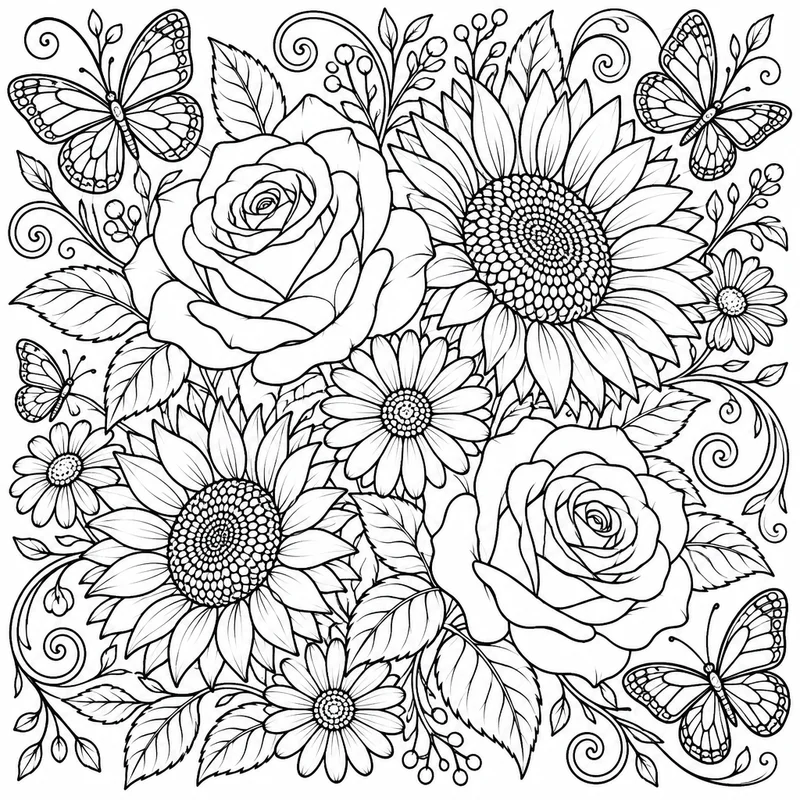
Floral Paradise — line art outline
BeforeTap to reveal colors

Floral Paradise

Original illustration

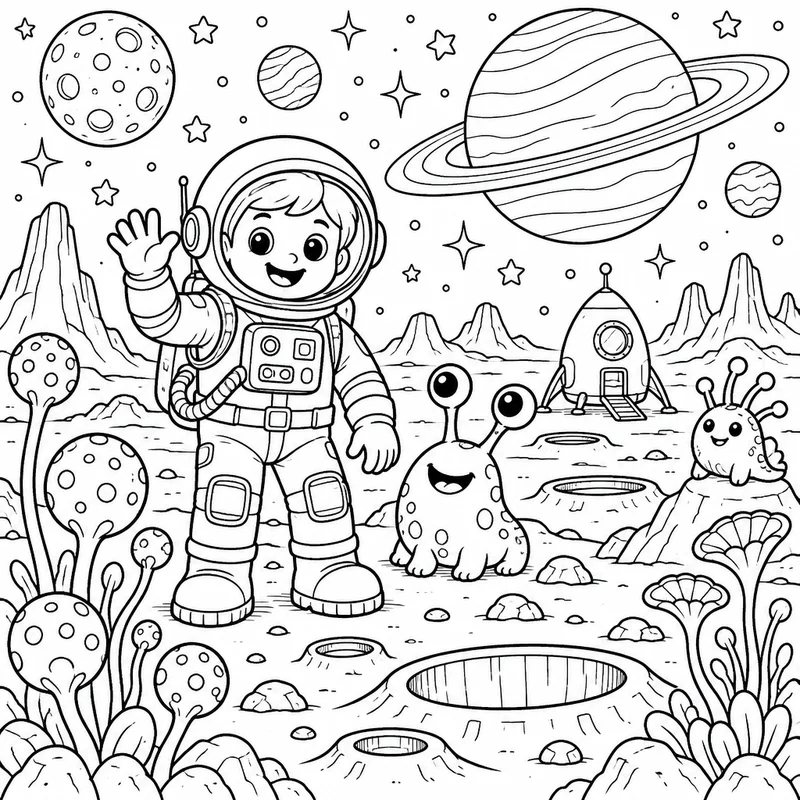
Cosmic Adventure — line art outline
BeforeTap to reveal colors

Cosmic Adventure

Original illustration

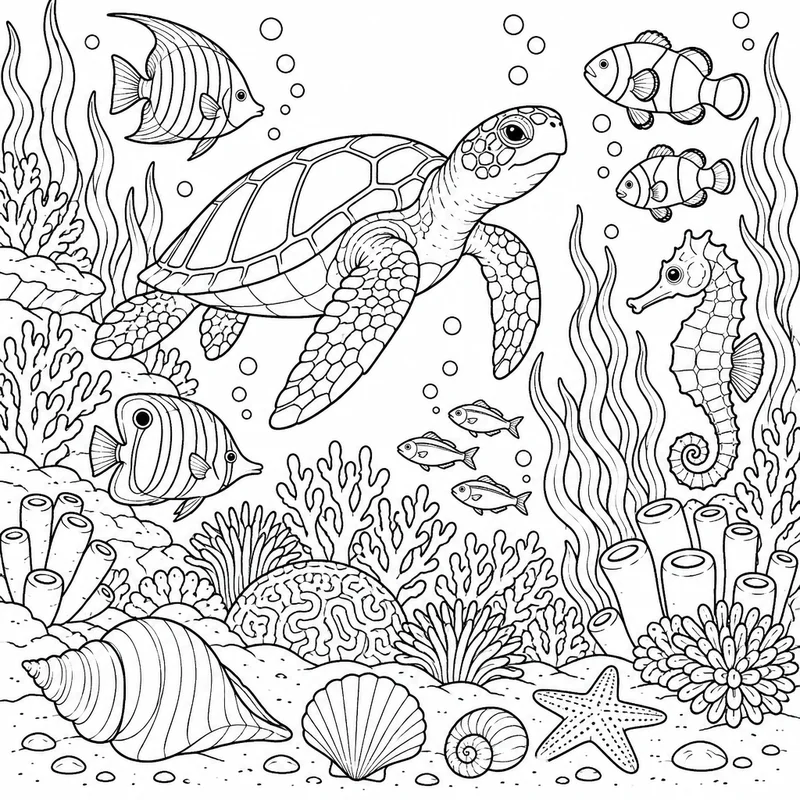
Ocean Wonders — line art outline
BeforeTap to reveal colors

Ocean Wonders

Original illustration

How it works

Photo to numbered canvas in seconds

No server uploads, no waiting. The entire pipeline — resize, denoise, colour quantization, region detection, cleanup, vector tracing — runs right in your browser.

Step 1

Upload & crop

Drop in any JPG, PNG or WebP — a family photo, pet portrait, landscape, whatever you want to paint. Frame it square, 4:5, 3:4, 16:9 or keep the original ratio.

Step 2

Generate your canvas

Colours get reduced in perceptual colour space, regions are detected and cleaned, and everything is traced into smooth, paintable vector outlines. Choose your colours and start painting online for free.

Step 3

Paint or print

Fill regions right here in your browser with a smooth digital brush — or, purchase a print-ready PDF export with a numbered colour guide to paint at home.

See it in action

Real canvases, generated by Paint Craft

Same engine you'll use. Toggle between the original photo, the numbered outline, and the finished painting.

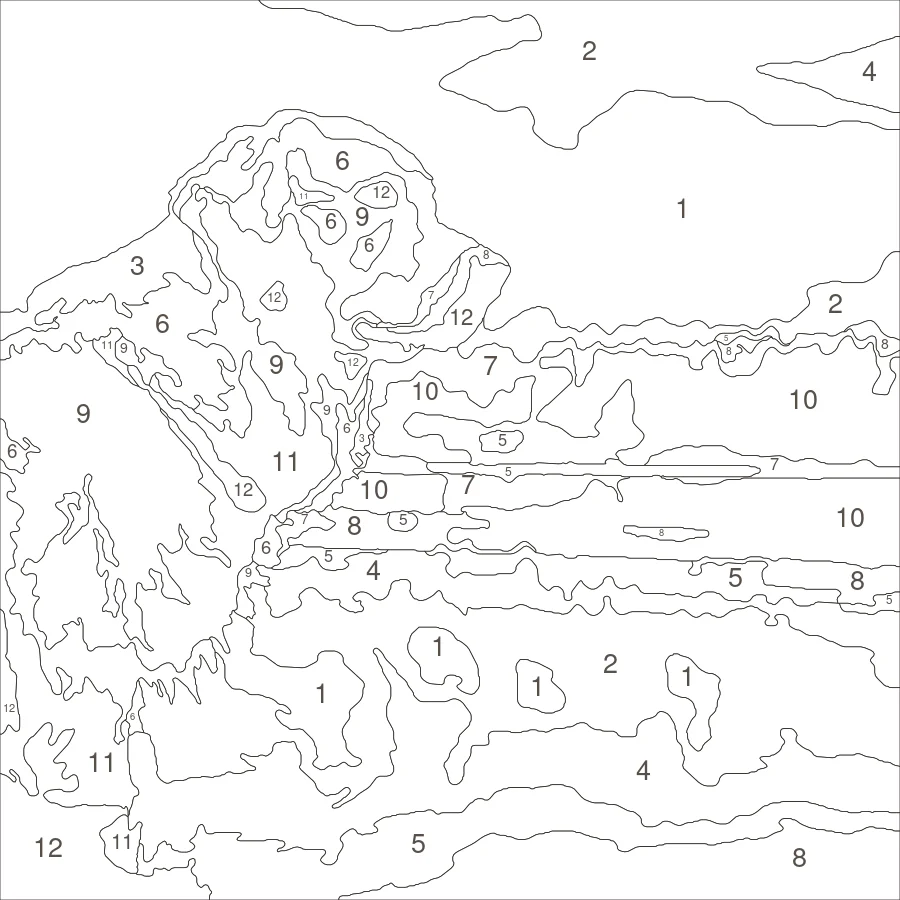
Pet portrait example — numbered view

Pet portrait

Easy example · 12 colours

Make this one

Shop Paint by Numbers Kits

Want a physical kit instead?

If you'd rather paint on a real canvas with included paints and brushes, these kits are a good place to start.

Ready to paint your own?

Turn a favourite photo into a numbered canvas and paint online for free, without signup.

Create Your Painting